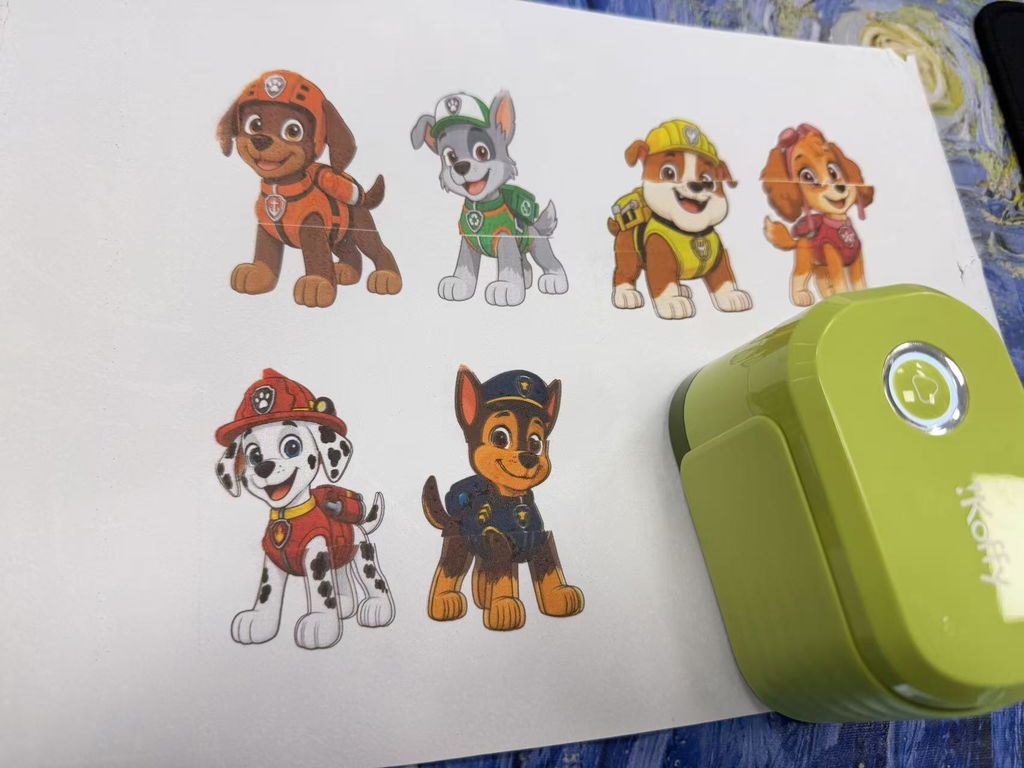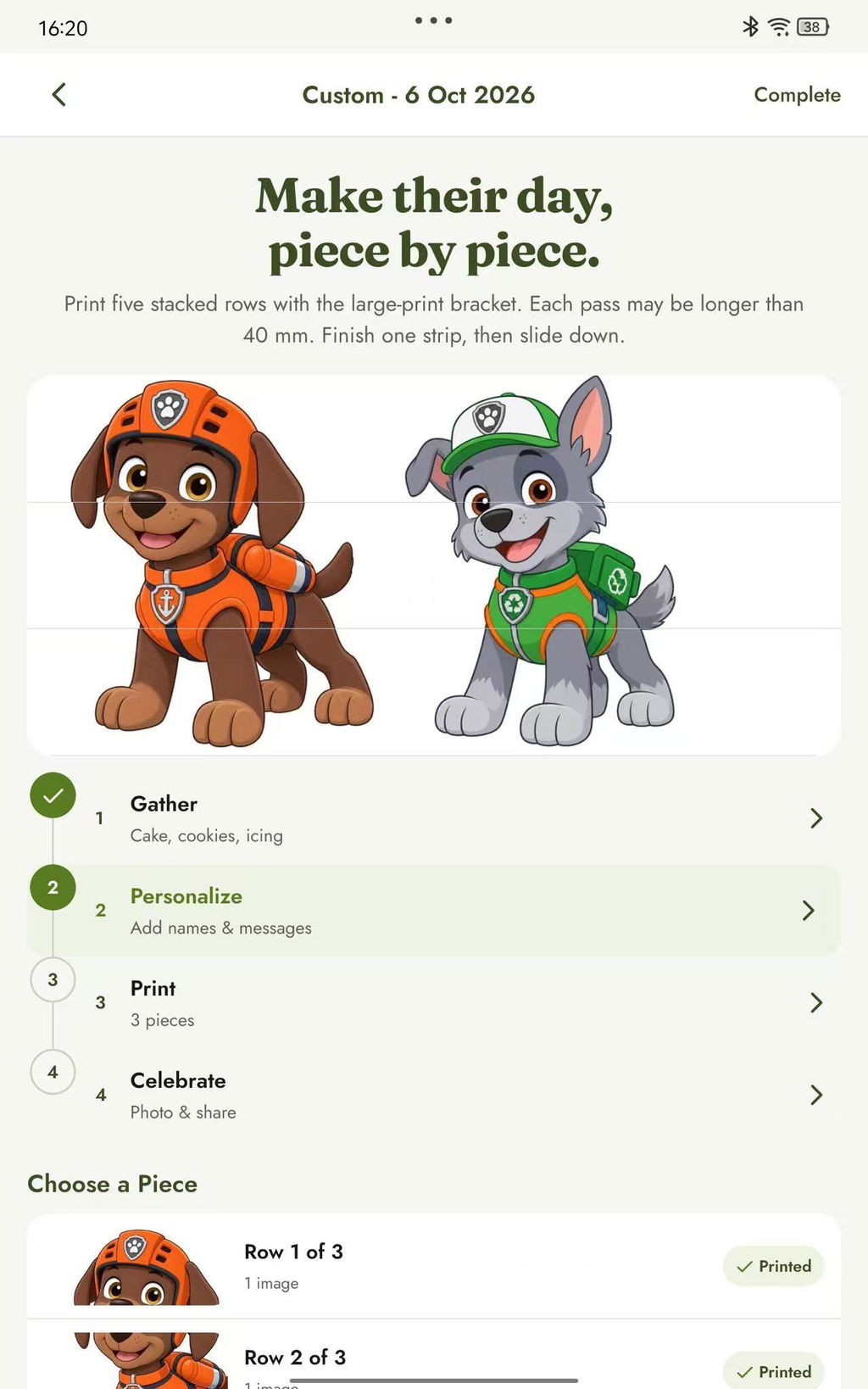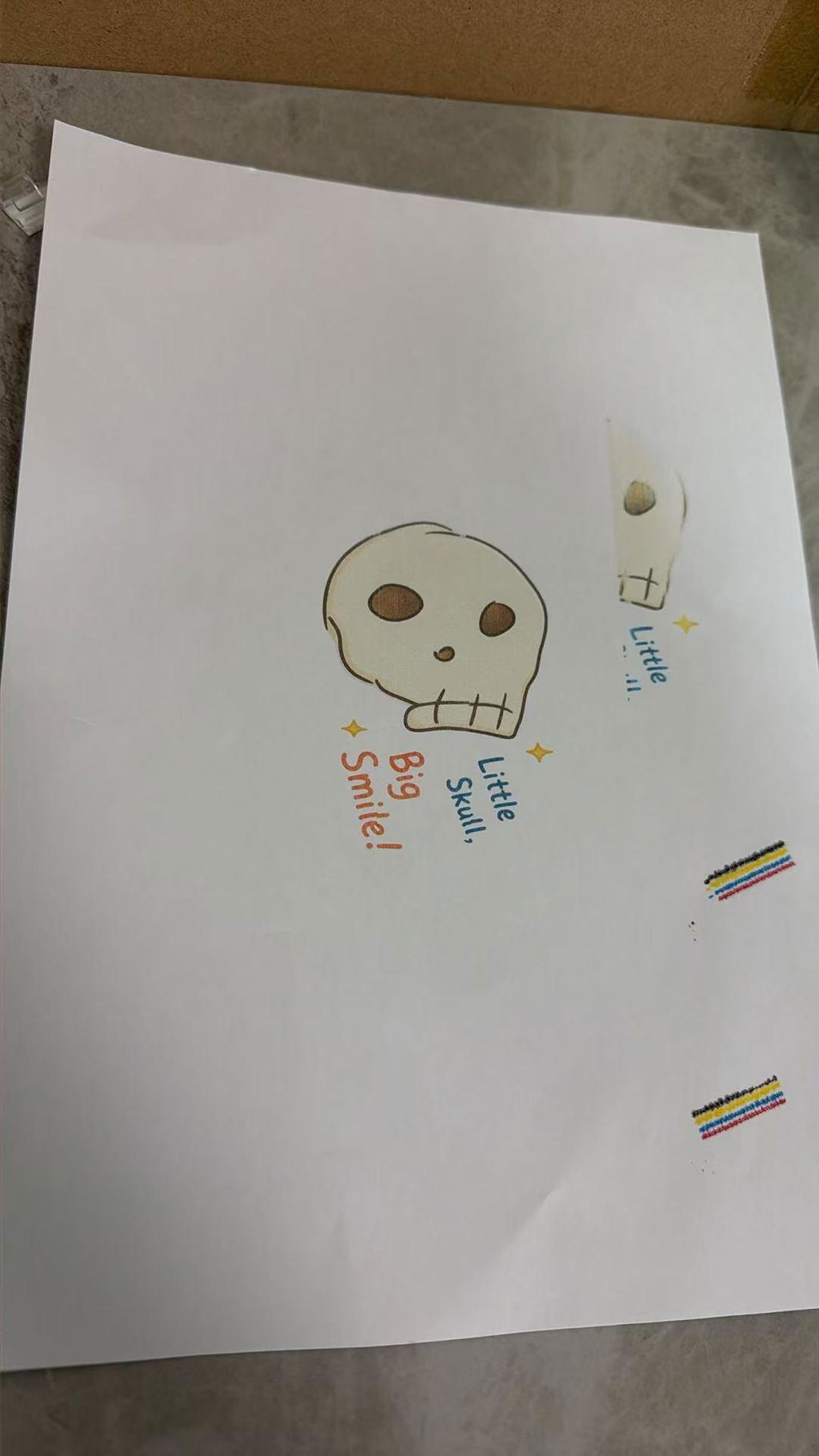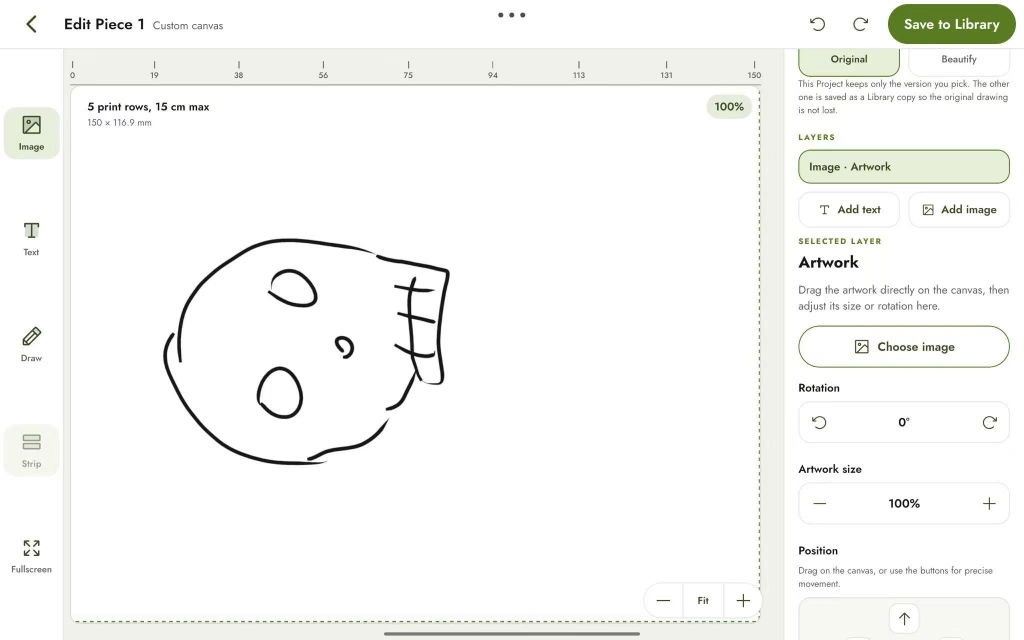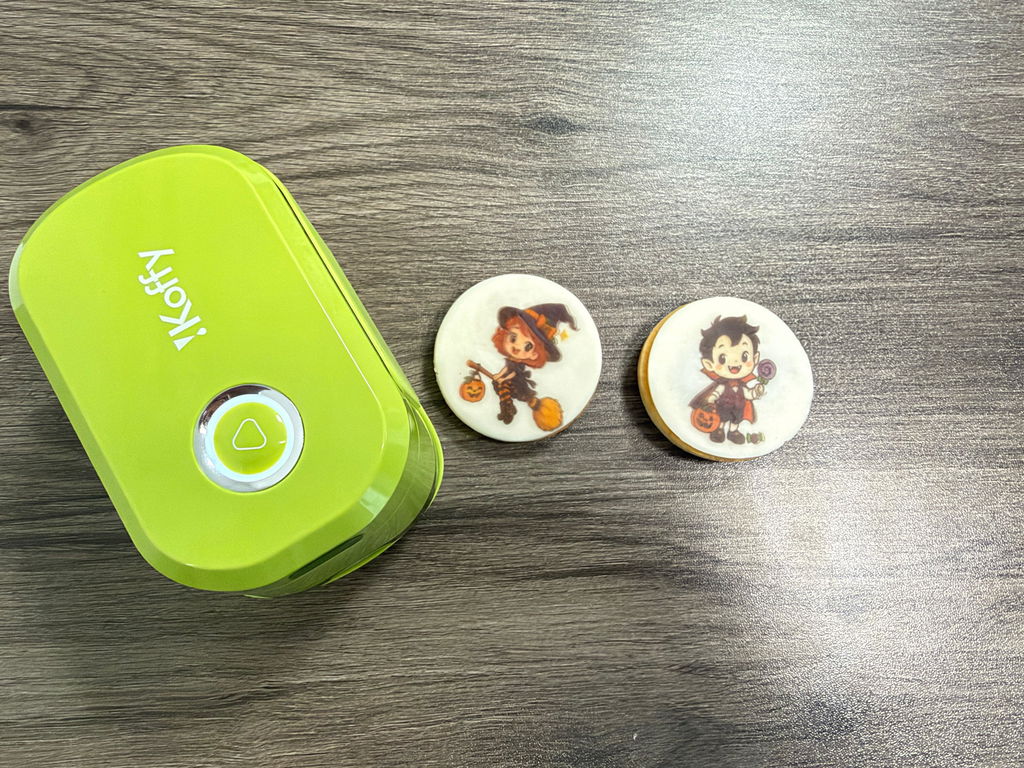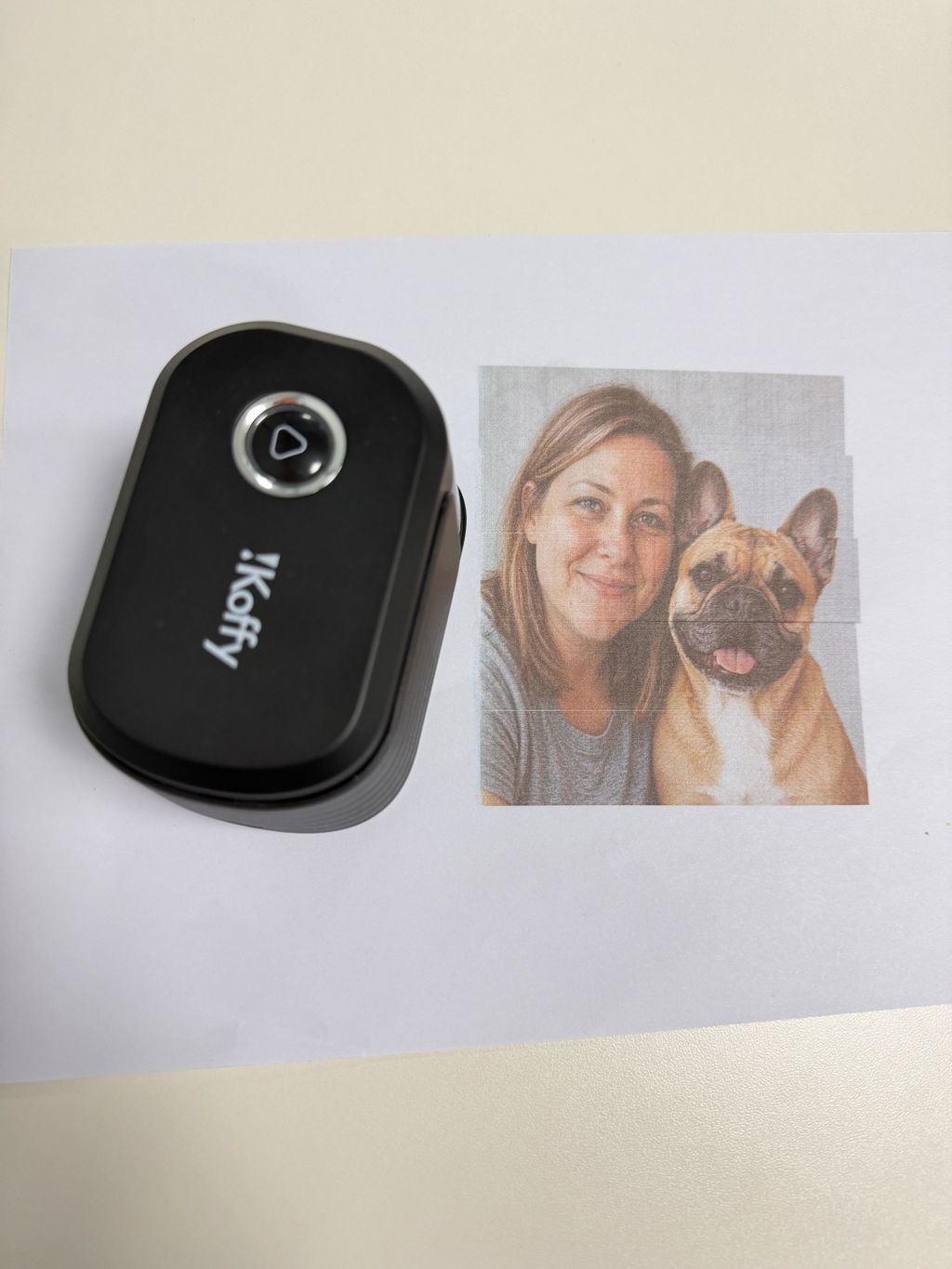



Product views, process and real results
Local preview: checkout disabled
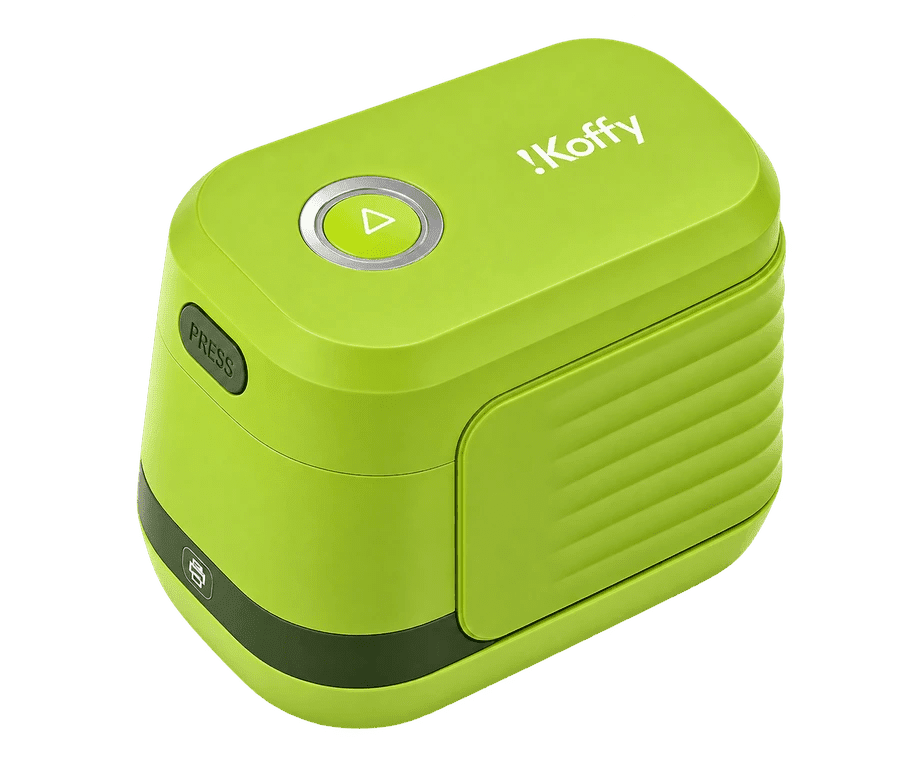
iKoffy EdiBot Handheld Edible Food & Cookie Printer
Print full-color designs directly onto cookies, cakes, coffee foam & macarons in seconds — no edible paper needed.
Your EdiBot Set
- FDA-Compliant & Kosher-Certified (OU) Edible Ink
- ~3,000–5,000 Prints Per Ink Pod (~$0.02/print)
- Free 3–5 Day U.S. Shipping
- 30-Day Returns & 1-Year Warranty
Why EdiBotCore benefits
- Personalize your favorite treats
- Print photos, names and drawings on compatible food surfaces.
- Create with HomeSpark
- Upload a photo, capture a drawing or explore AI-assisted designs in the app.
- Print in full color
- Bring colorful designs to suitable foods and edible decorations with EdiBot Ink Pods.
- Print where you bake
- Move the compact wireless printer between your kitchen counter and baking workspace.
- Make treats to share
- Personalize birthday cookies, party favors and gifts.
Good to KnowInk, care & support
- Kosher-certified edible ink
- EdiBot uses food-grade CMYK edible ink.
- Print directly on supported surfaces
- Print directly on smooth, dry royal icing and other compatible surfaces. You can also print on an edible sheet to decorate a treat.
- No design experience needed
- Prepare your artwork in the HomeSpark app.
- Replaceable Ink Pods
- Swap in a compatible EdiBot Ink Pod when the ink runs out.
- Ink Care support
- Want extra peace of mind? Optional 1-Year Ink Care adds coverage for eligible cartridge issues and is available separately.
- Free HomeSpark App Included (No Subscription Required)
- The free app includes the open canvas, photo upload printing and everyday templates. Only some advanced AI design features use credits, and only when you choose them.
Free U.S. shippingDelivery details
- Shipping eligibility
- Ships from Los Angeles County, California. Eligible U.S. orders of $49 USD or more qualify for free shipping. Check the shipping policy for covered destinations.
- Tracking your order
- Tracking information is provided after shipment.
EdiBot CareInk care & support
- Ink Care
- Ink Care is available separately. Review the terms for coverage of eligible cartridge issues.
- Product assistance
- 1-Year Warranty & Free First Print Support Included
- Returns and refunds
- See the return policy for deadlines, eligibility and return shipping.
Product DescriptionPrint on cookies, cakes, latte art & coffee foam, macarons and marshmallows. View details Hide details
iKoffy EdiBot — Handheld Full-Color Edible Food & Cookie Printer
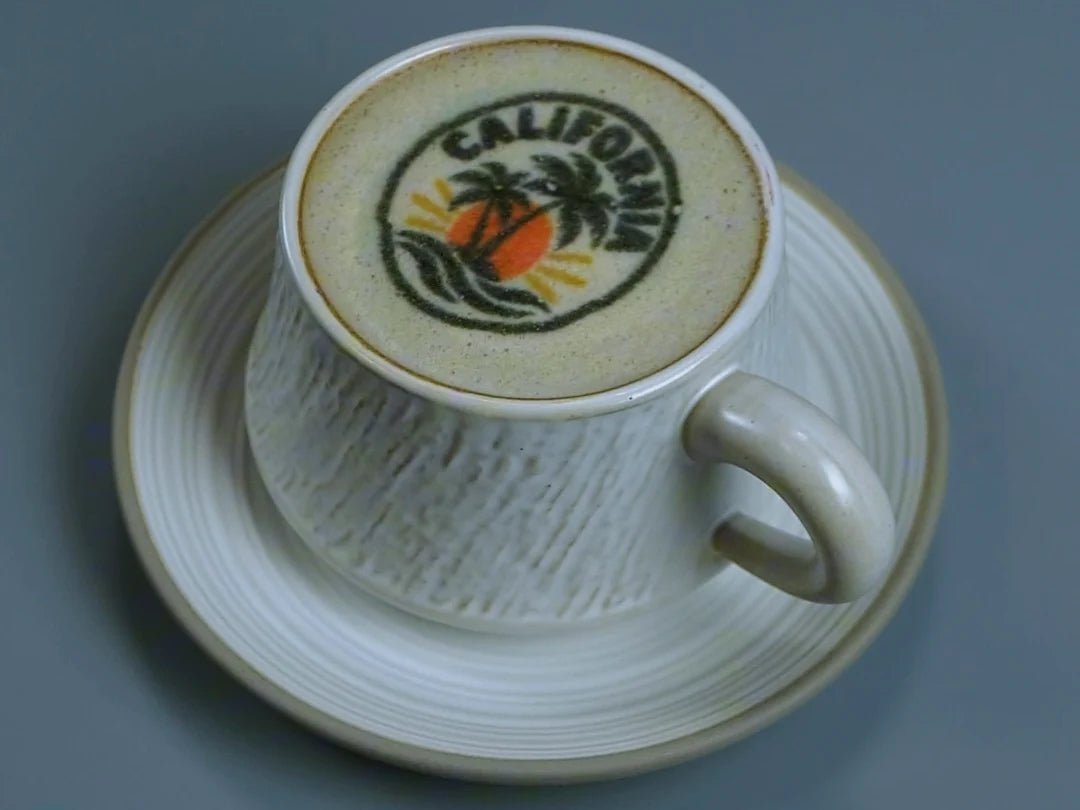
Print vibrant, 1200 DPI full-color photos, logos, drawings, and text directly onto cookies, cakes, latte art, coffee foam, macarons, and marshmallows in seconds. EdiBot is a portable, cordless handheld edible printer designed for home bakers, families, cafés, and event creators who want studio-quality custom treats without bulky desktop machines.
Turn your favorite moments into edible art.
Pair EdiBot with the free HomeSpark app (no subscription required) via Bluetooth to turn phone photos, kids' drawings, custom logos, messages, and AI-generated designs into full-color edible creations—from a child's artwork on a sugar cookie to a sweet message on morning latte foam, birthday desserts, and personalized party gifts.
Why Bakers, Families & Creators Choose EdiBot:
• Direct-to-Food Full-Color Printing (1200 DPI CMYK): Glide smoothly across royal icing cookies, plain cookies, macarons, marshmallows, fondant cakes, toast, and cappuccino foam for crisp, vivid detail in about 3 seconds.
• Portable, Wireless & Effortless: Weighing just 5.8 oz (165 g) with a rechargeable USB-C battery (2–3 hours runtime), this compact handheld food printer goes anywhere—from home kitchens to pop-up events, weddings, and cafés.
• Food-Grade Safe Edible Ink (FDA-Compliant & Kosher Certified): Powered by Orthodox Union (OU) Kosher-certified, FDA-compliant, GRAS-assessed CMYK edible ink—completely safe and tasteless on food.
• Ultra-Low Cost Per Print: Each Edible Ink Pod delivers ~3,000 large designs or 5,000+ small logos and names (roughly $0.02–$0.03 per cookie), making custom cookie decorating fast and affordable.
• Made for Family Time, Parties & Small Businesses: Create unforgettable holiday cookies with kids, print branded logos for cafés and corporate events, or turn everyday treats into personalized gifts.
Choose Your Set:
• EdiBot Starter Set: Includes 1 EdiBot handheld edible printer + 1 full-color CMYK Edible Ink Pod (~3,000–5,000 prints).
• EdiBot Creator Plus Set: Includes 1 EdiBot handheld edible printer + 2 full-color CMYK Edible Ink Pods (~6,000–10,000 prints)—ideal for frequent bakers, events, and gifting (save $10 vs. buying a spare $100 Ink Pod separately).
Swipe for more sections
HOLIDAY MAGIC IN SECONDS
Same Holiday Cookies. Whole New Magic.
Turn plain royal-iced cookies into personalized Christmas keepsakes in seconds — no piping skills, no frosting sheets, and no messy cleanup.


- Direct on Dry Royal Icing
- Kids' Art, Photos & Festive Designs
- Ready for Christmas Eve & Holiday Parties
Cookies Are Just the Beginning.
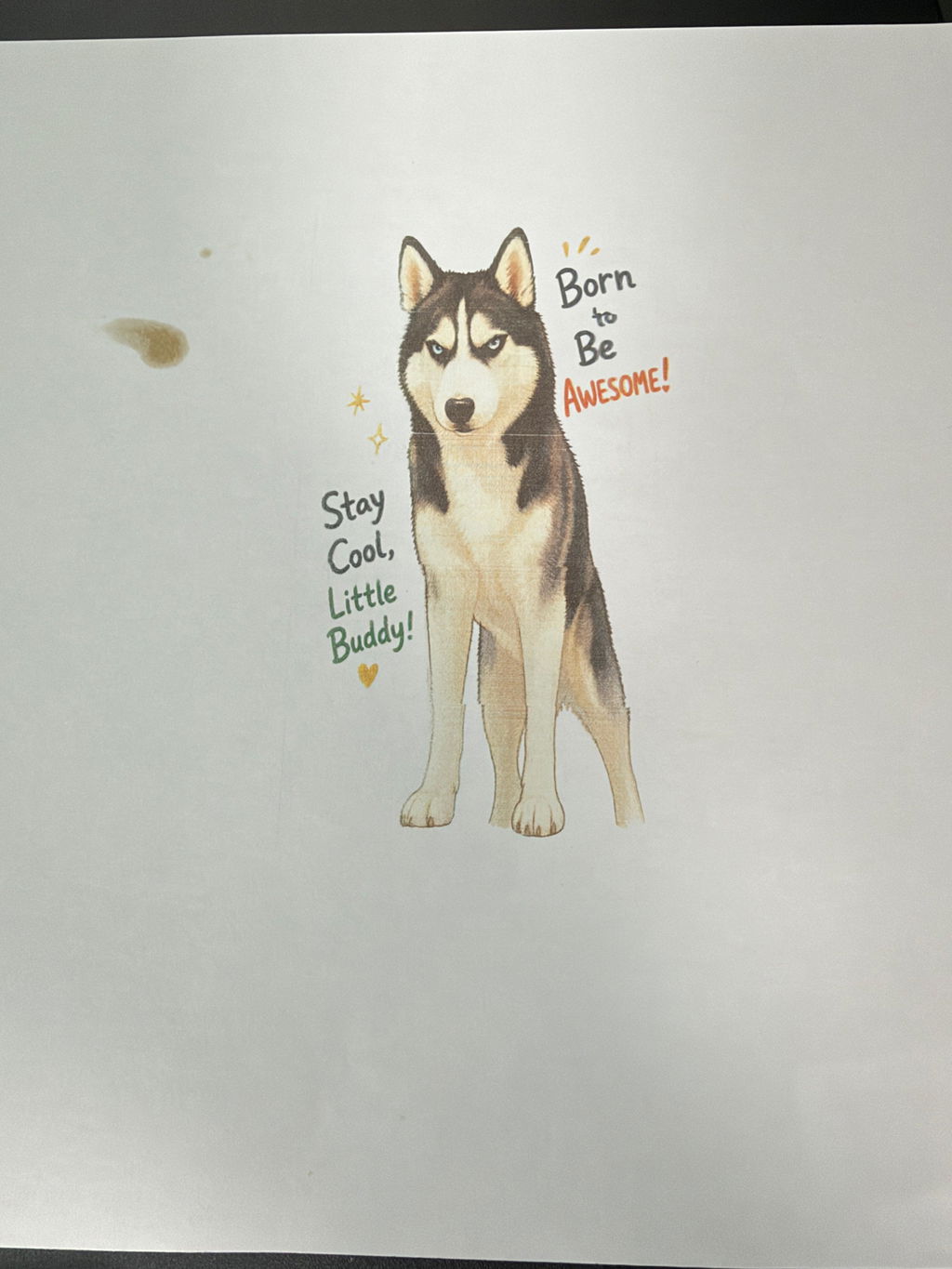
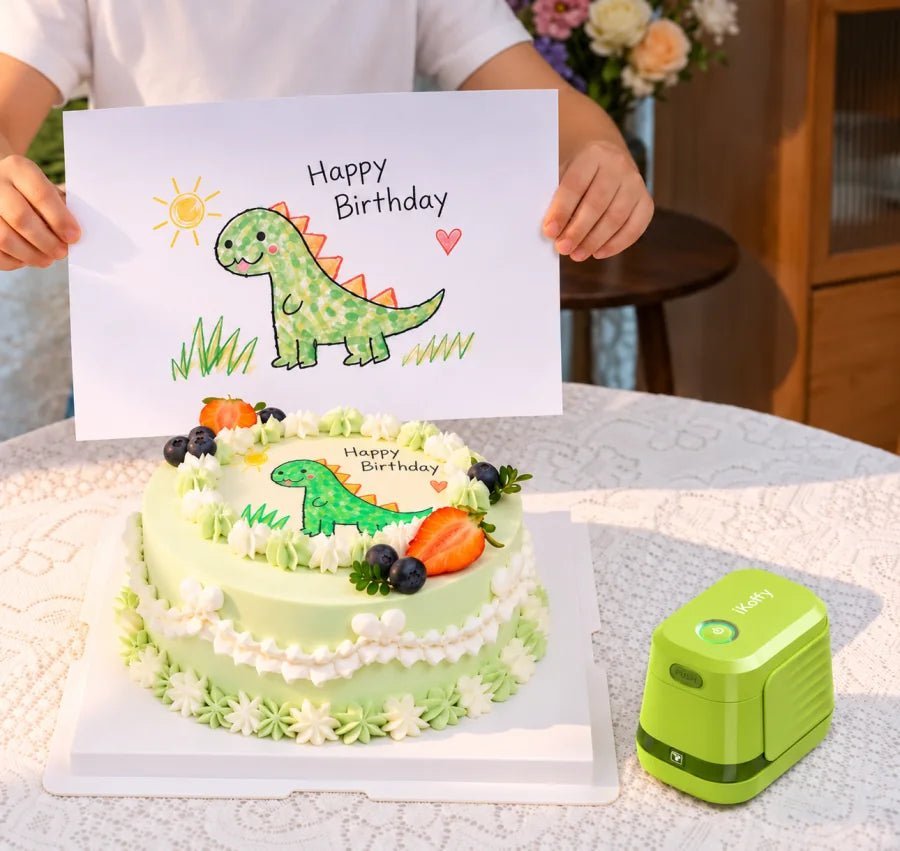
Watch EdiBot turn a child’s drawing into an edible topper for an 8-inch birthday cake.
- Print on an icing sheet
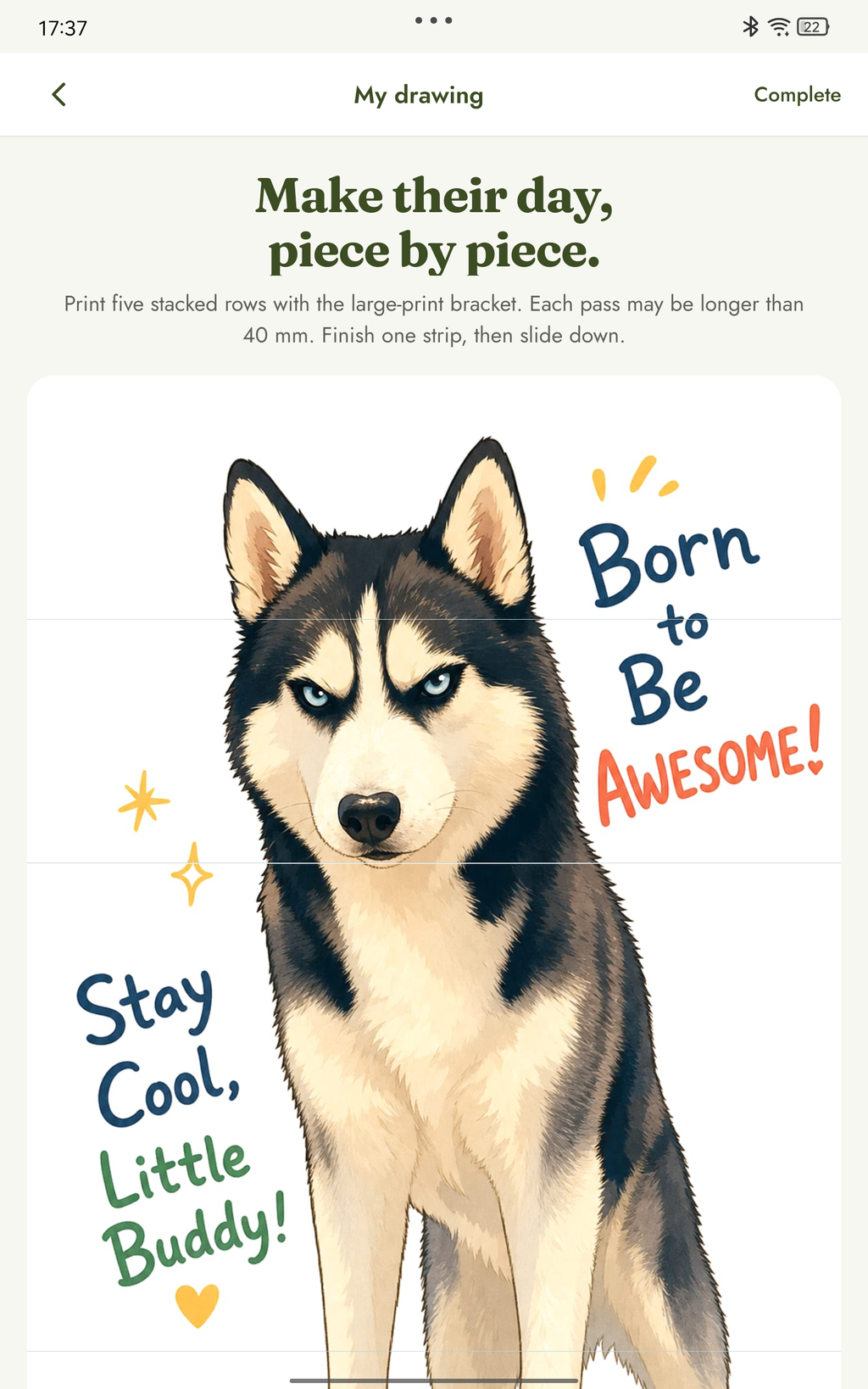
Use the Large-format Positioning Ruler (sold separately) to line up five rows for a maximum print area of about 12 × 15 cm (4.7 × 5.9 in.).
- Decorate an 8-inch cake
Trim around the printed drawing and center it on your frosted cake. Add a piped border or a few berries around the edges.
- What can EdiBot print on?
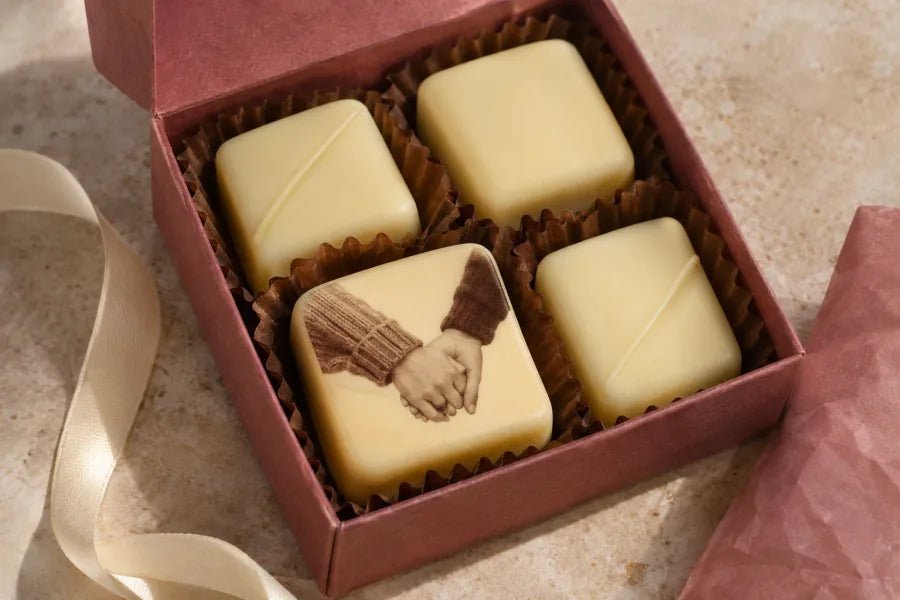
Latte foam, plain cookies, royal icing cookies, macarons, marshmallows, toast, tortillas, chocolate, and fondant cakes.
Print directly onto cookies, latte foam, marshmallows, macarons & fondant—no edible paper needed. For oversized 8-inch cake toppers, you can optionally print onto icing sheets with the Large-Format Positioning Ruler.
Why Choose EdiBot?
EdiBot prints directly on dry icing. A desktop frosting-sheet printer prints designs on edible sheets that you apply to cookies.
Scroll sideways to compare both printers →
| Printer type | 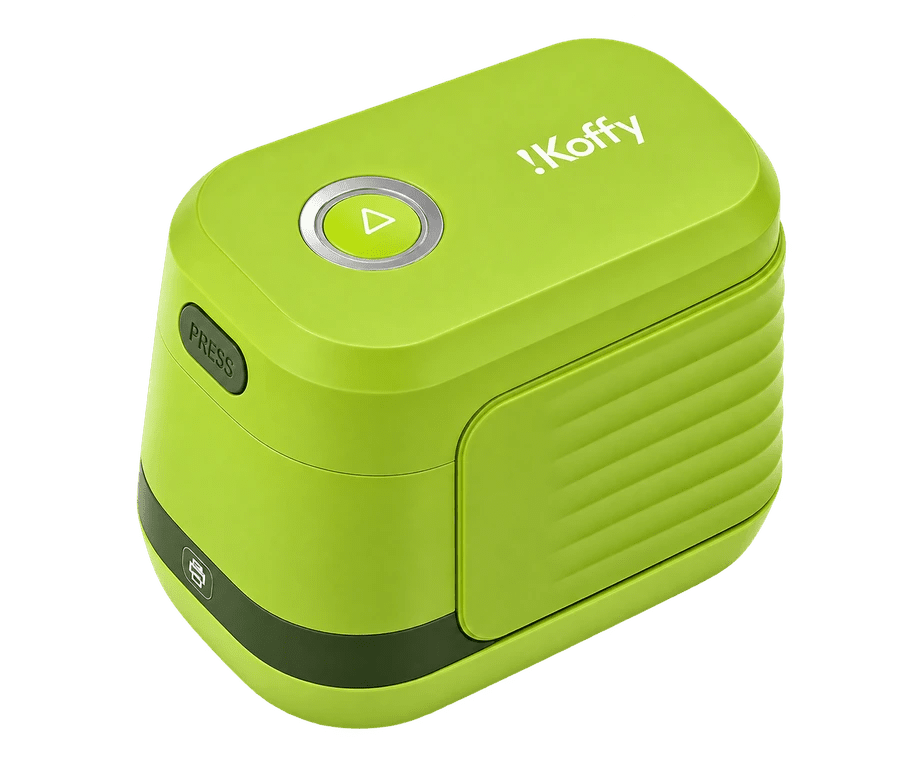 EdiBot Handheld Edible Printer |
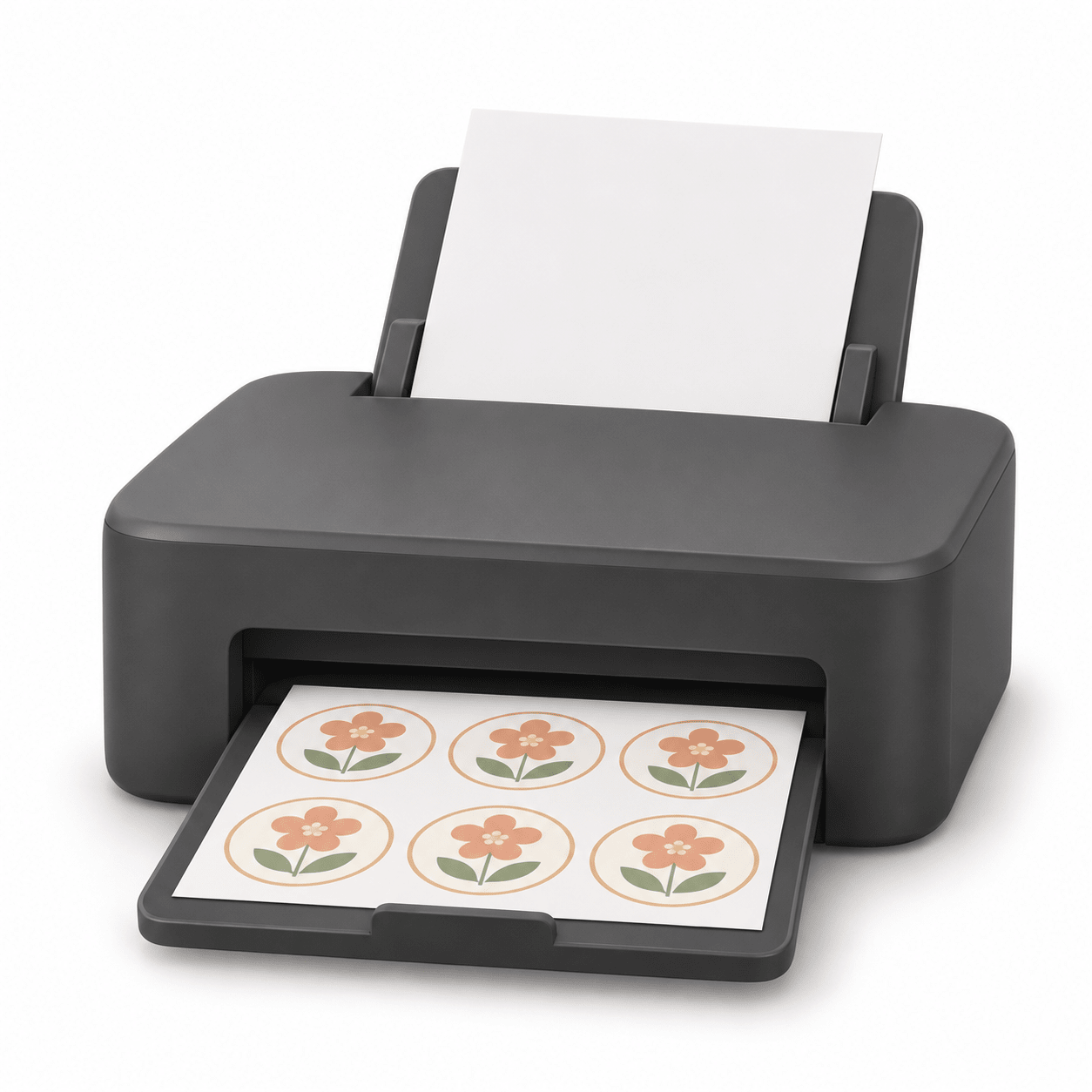 Desktop frosting-sheet printerDesktop Edible Sheet Printer |
|---|---|---|
| U.S. price | With BLACKFRIDAY15$229.50 $269.99
|
$300+ |
| Print resolution (dpi)Resolution (dpi) | 1200 | 600 |
| Full-color printingFull color | CMYK | CMY |
| AI image tools listed for companion softwareAI tools listed | Yes | No |
| Cordless handheld printingCordless handheld | Yes | No |
| Prints directly on foodDirect food printing | Yes | No |
| Supplies | Edible ink only | Edible ink + frosting sheets |
| Foods & materials | Dry royal icing, macaron shells, latte foam, edible sheets | Frosting sheets, wafer paper |
Print directly onto cookies, latte foam, marshmallows, macarons & fondant—no edible paper needed. For oversized 8-inch cake toppers, you can optionally print onto icing sheets with the Large-Format Positioning Ruler.
Create With HomeSpark.
A free app to create, edit, save and share, with or without EdiBot.


Supports current and previous EdiBot models and both Ink Pod types.
Hear From EdiBot Users
“I didn’t expect such a tiny device to capture the original colors so well. My son absolutely loved the prints!”
Three example moments
What Can You Print On?
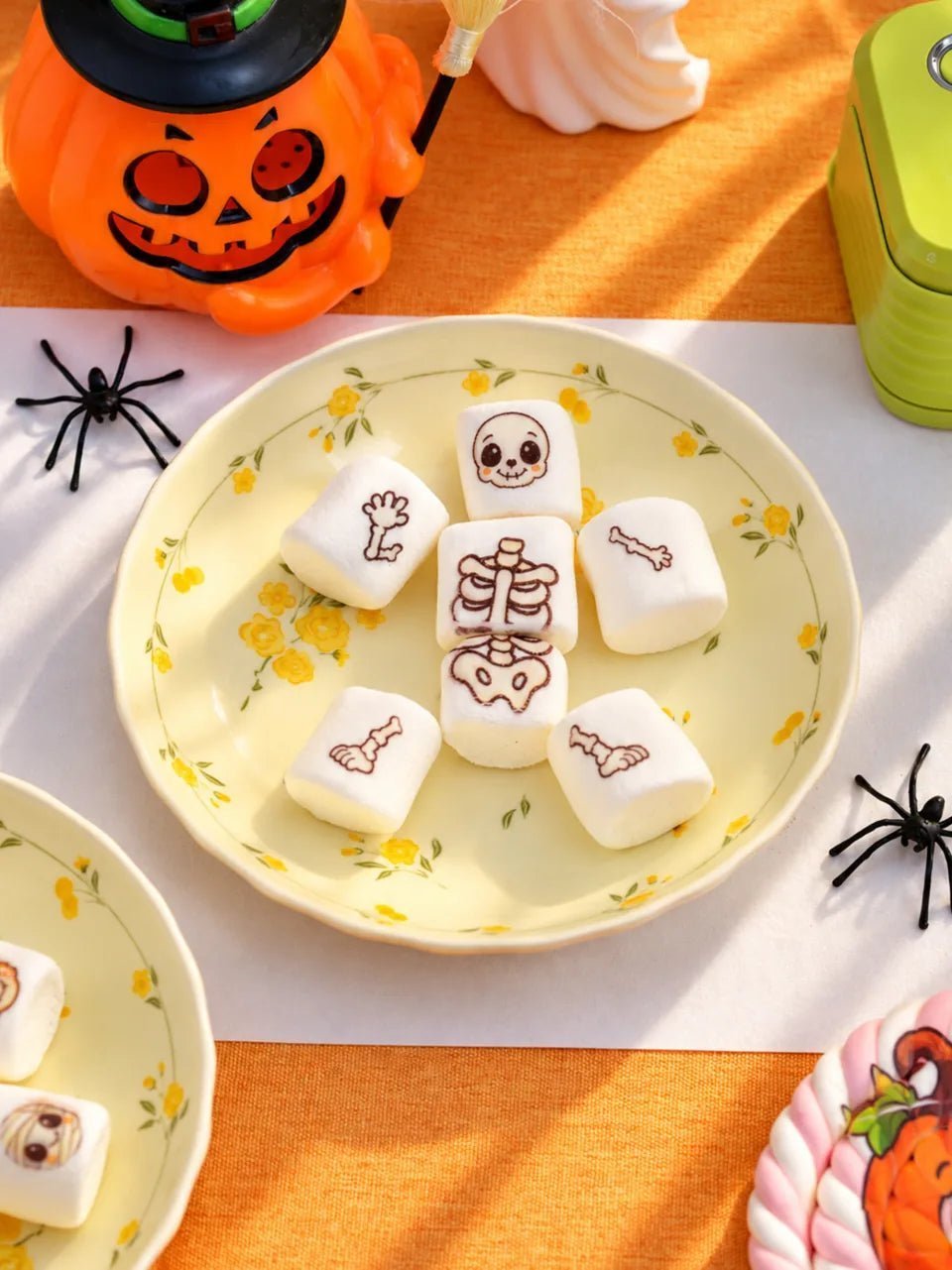
Skeleton Marshmallows
Print a skull, ribs and bones on separate marshmallows, then arrange them into a skeleton.
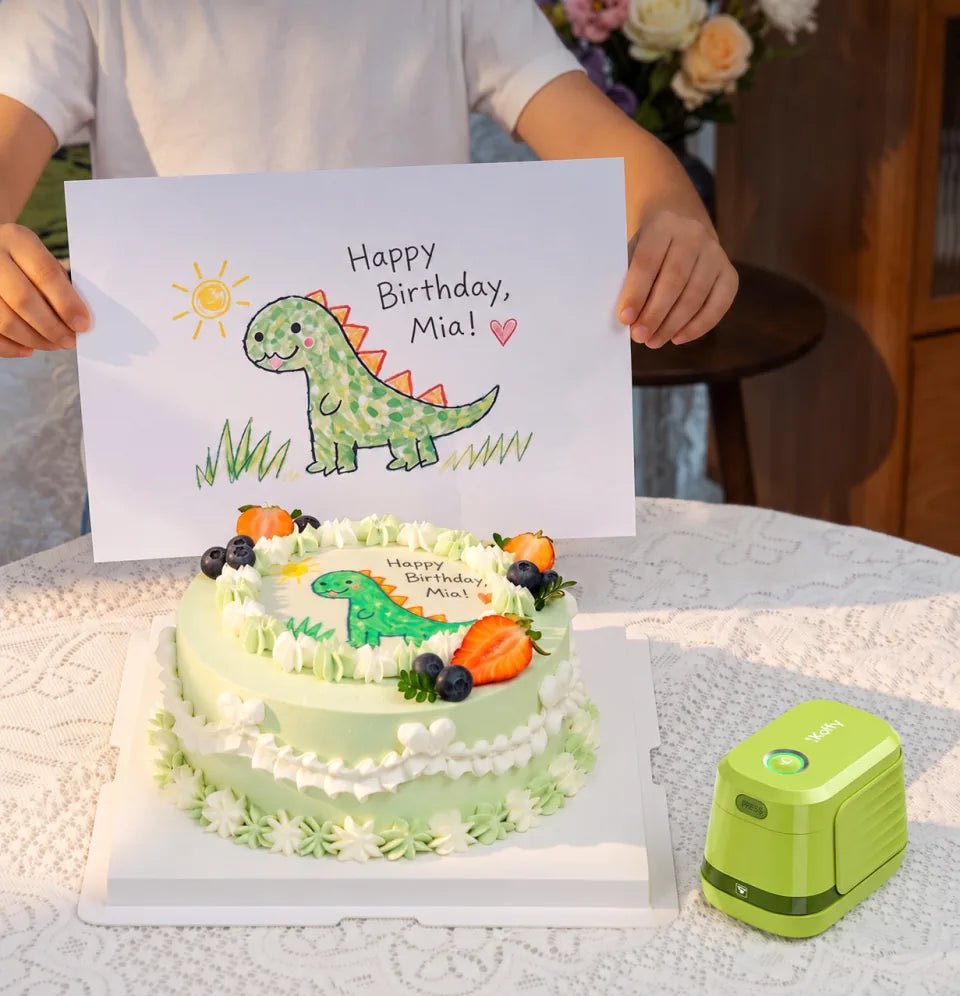
Cakes
Print the drawing on an icing sheet, cut it out, then lay it on the frosted cake.
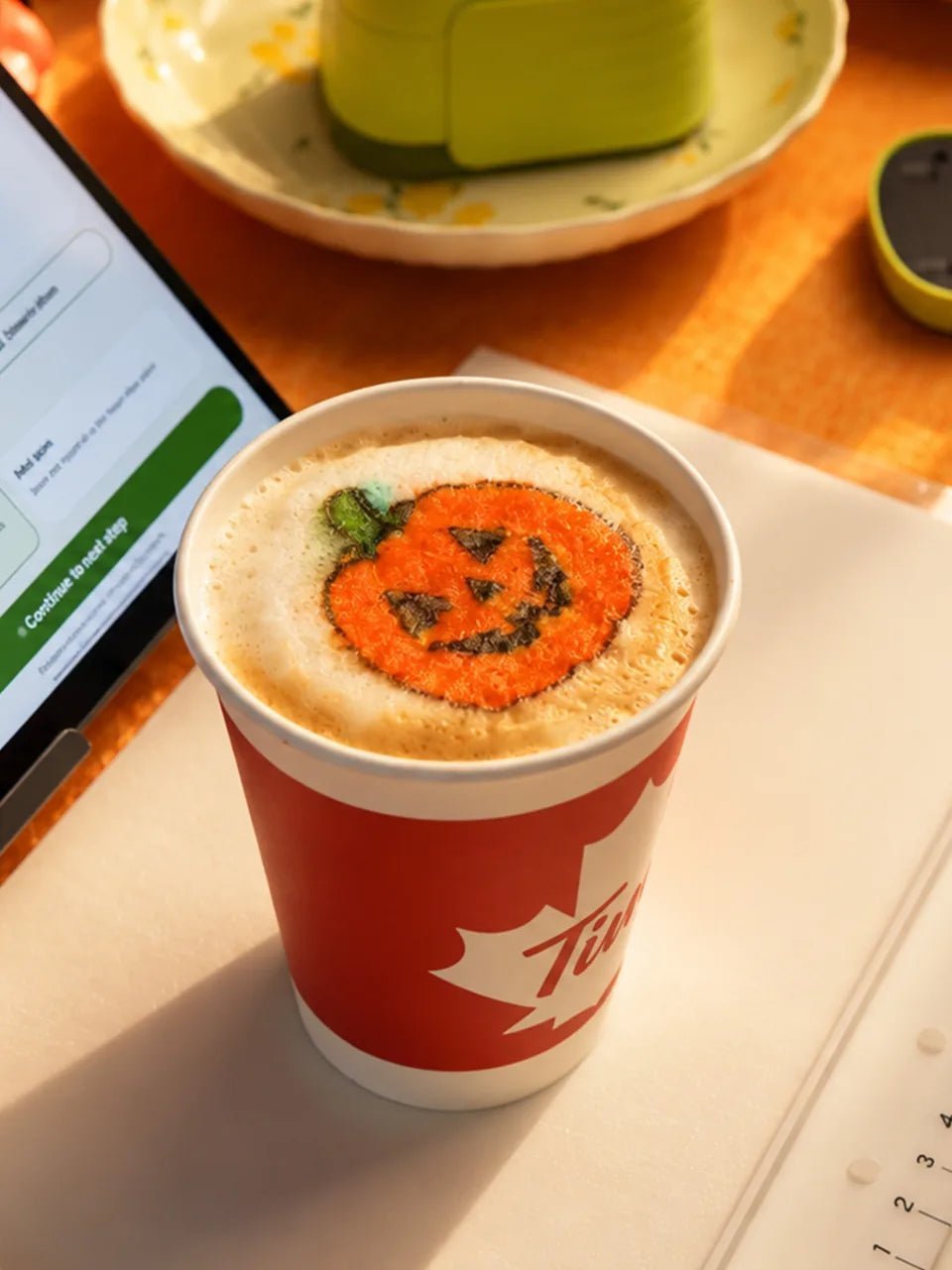
Coffee
Print the pumpkin directly on the milk foam of a cappuccino.
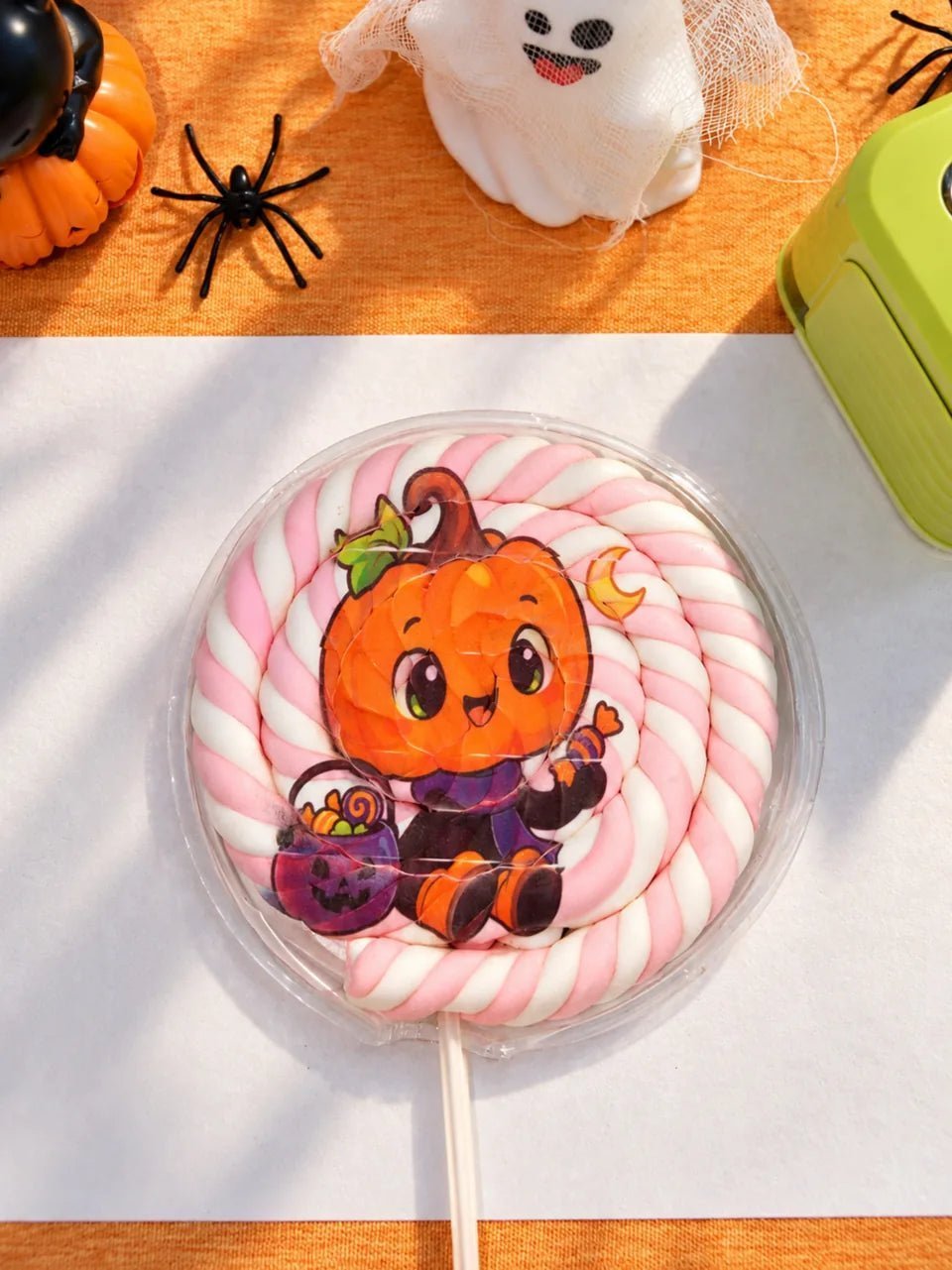
Marshmallow Pops
For a ridged pop, print the character on an icing sheet and cut it to fit the center.
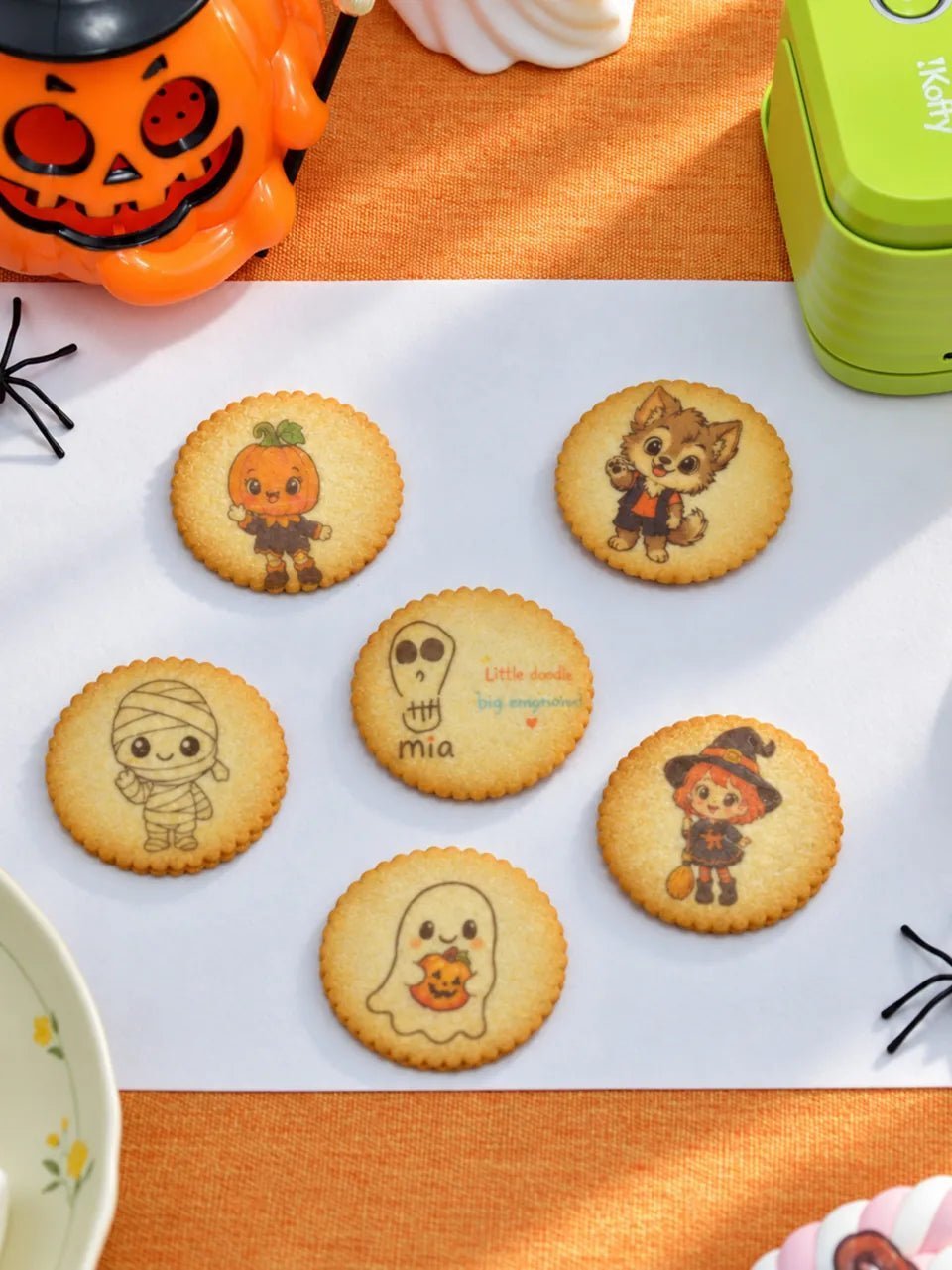
Cookies
Print directly on the smooth, pale top of a flat cookie.
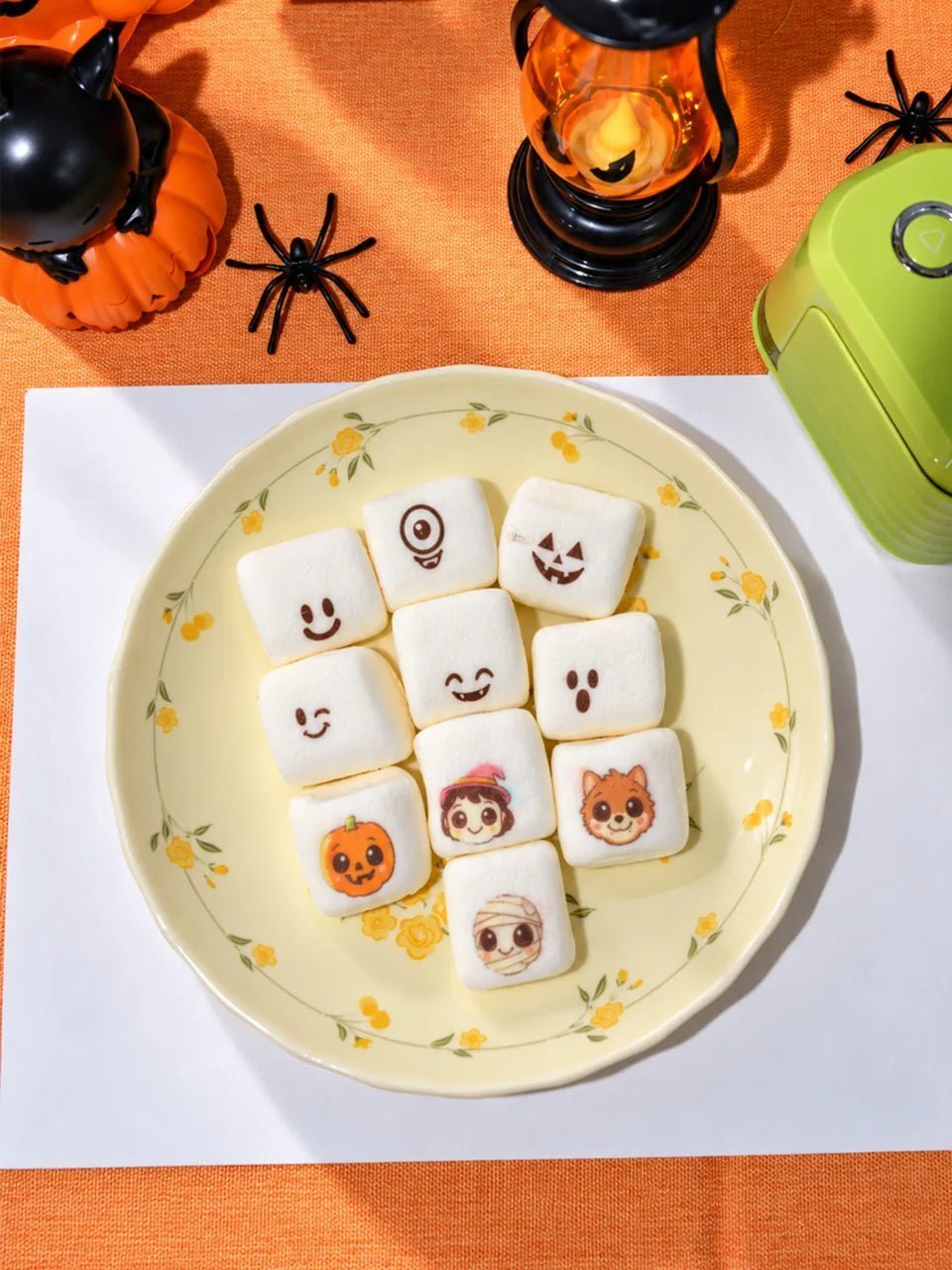
Marshmallows
Print a small face on the flat side of each white marshmallow.
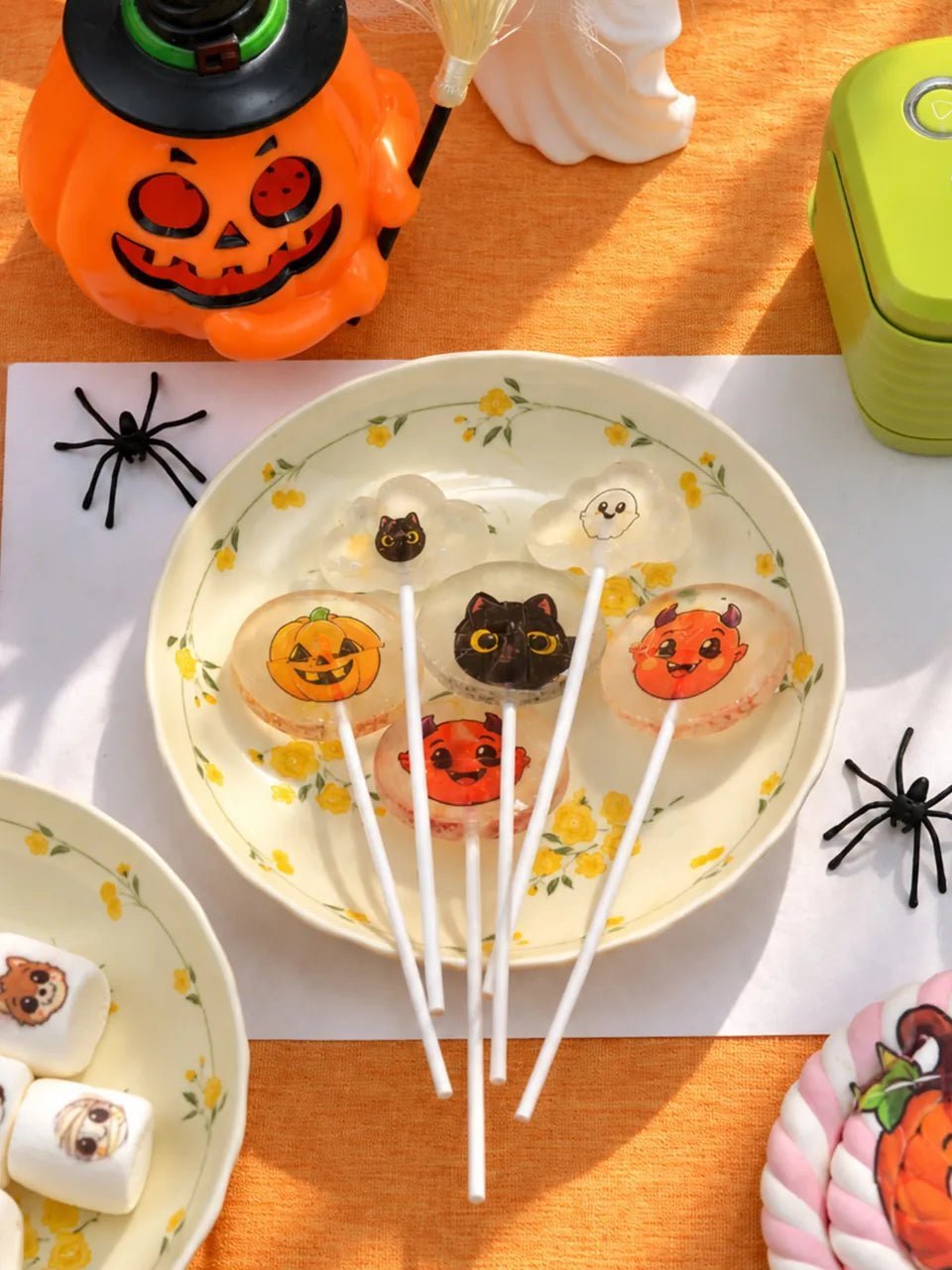
Lollipops
For an opaque topper, cut a circle from a printed icing sheet to fit the lollipop.
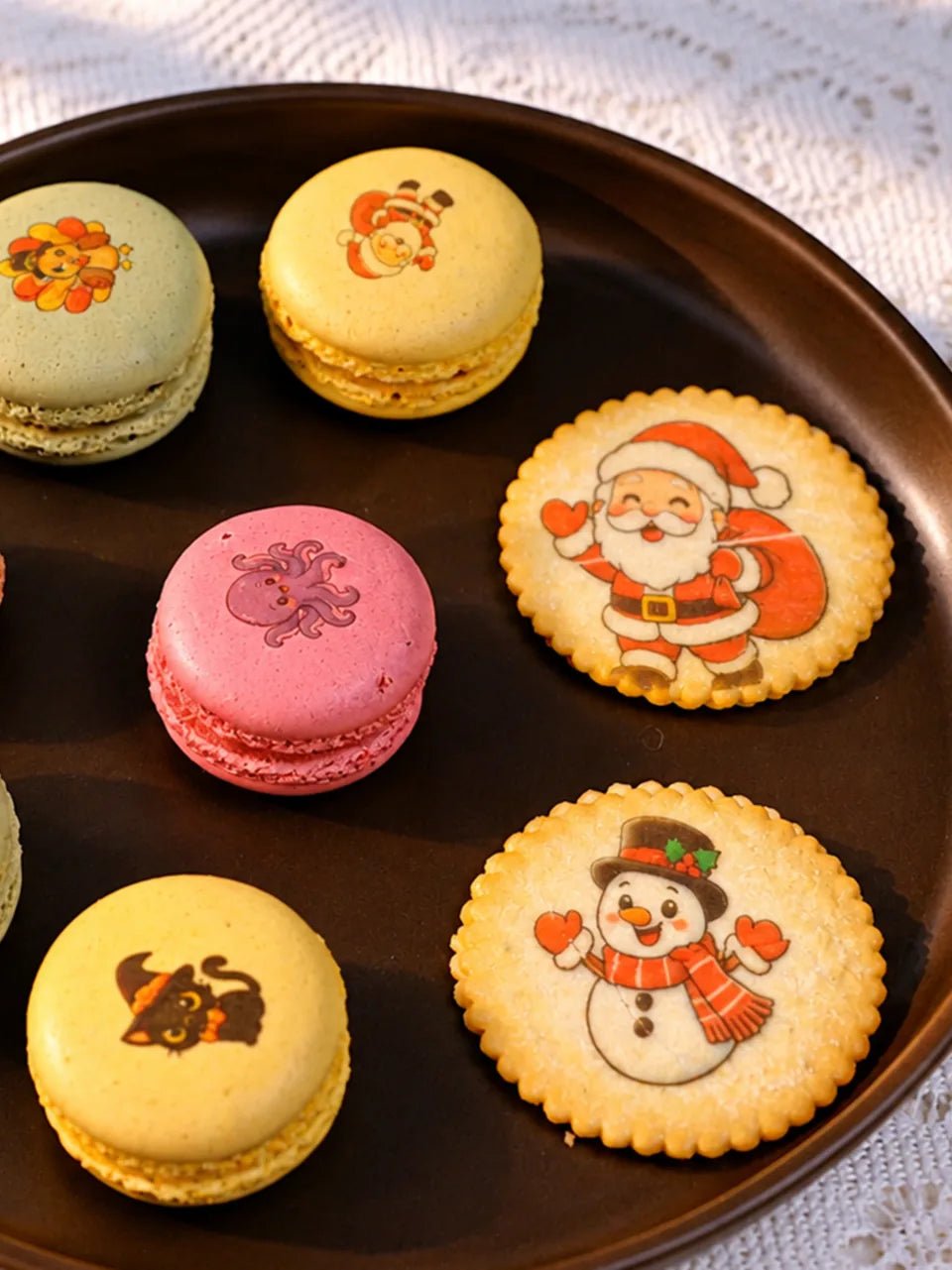
Macarons
Print a small design directly on the smooth top of each macaron.
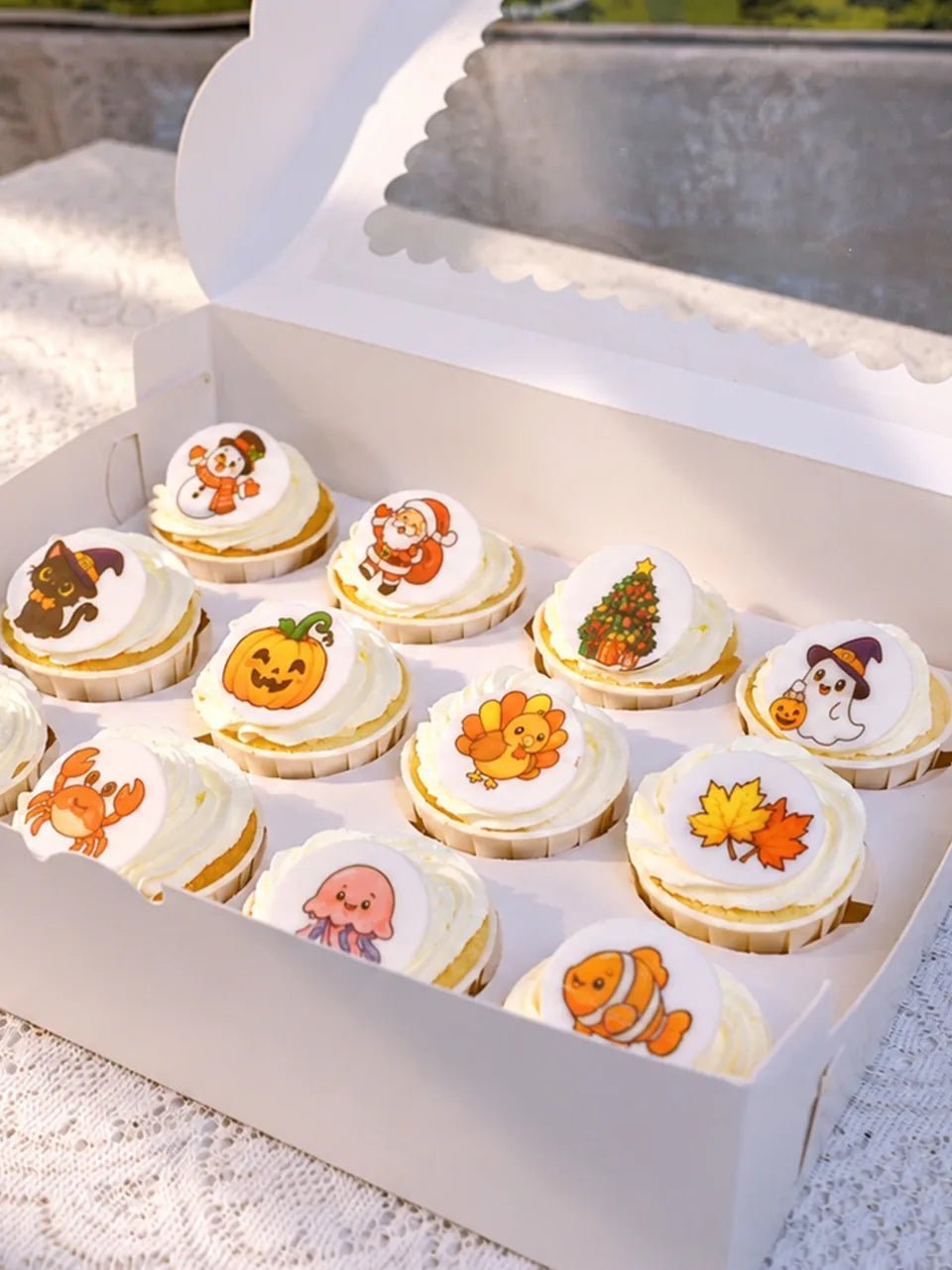
Cupcakes
Print the designs on an icing sheet, cut them into circles, then place one on each cupcake.
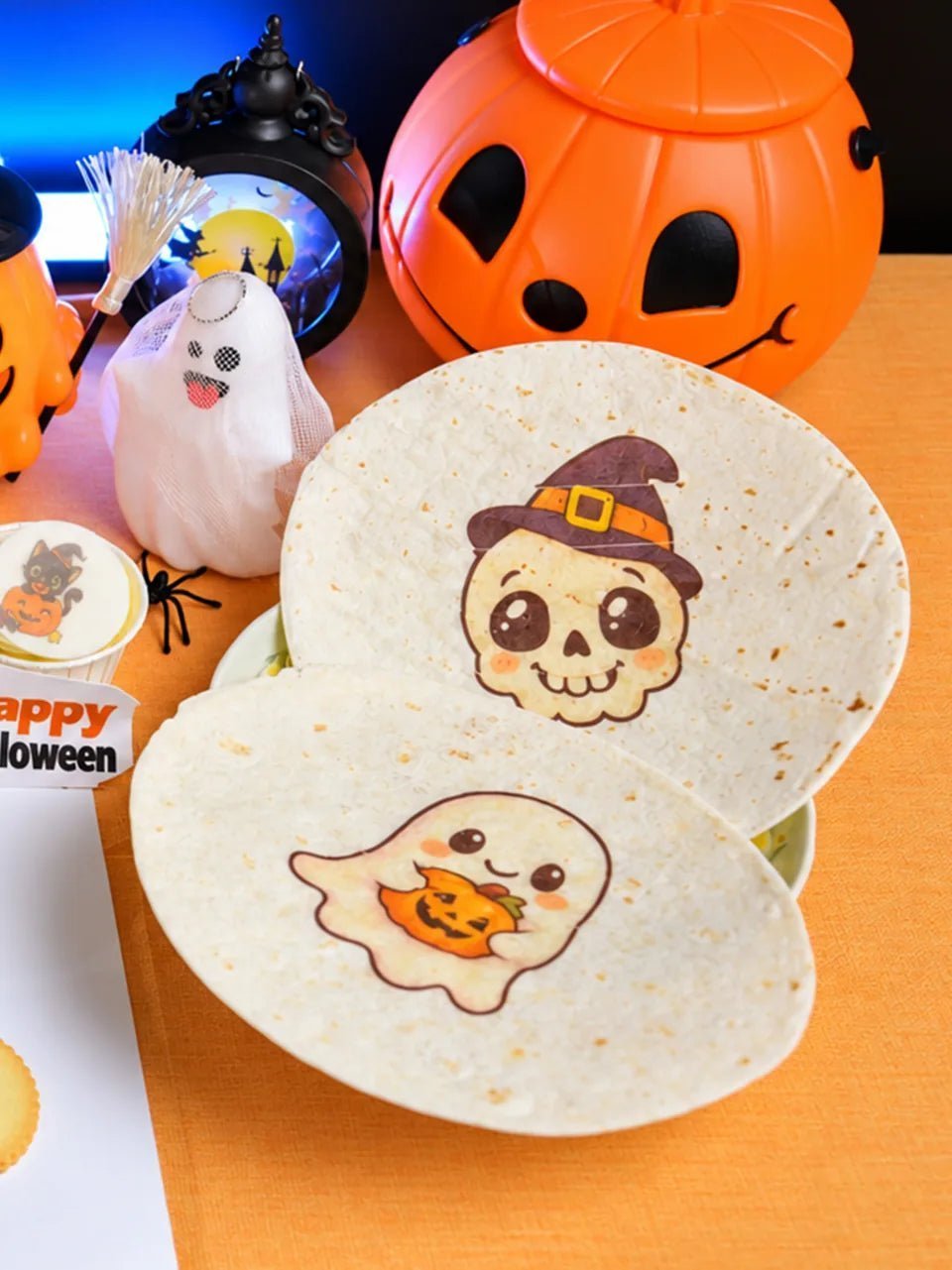
Tortillas
Lay a smooth tortilla flat and print the design directly on it.
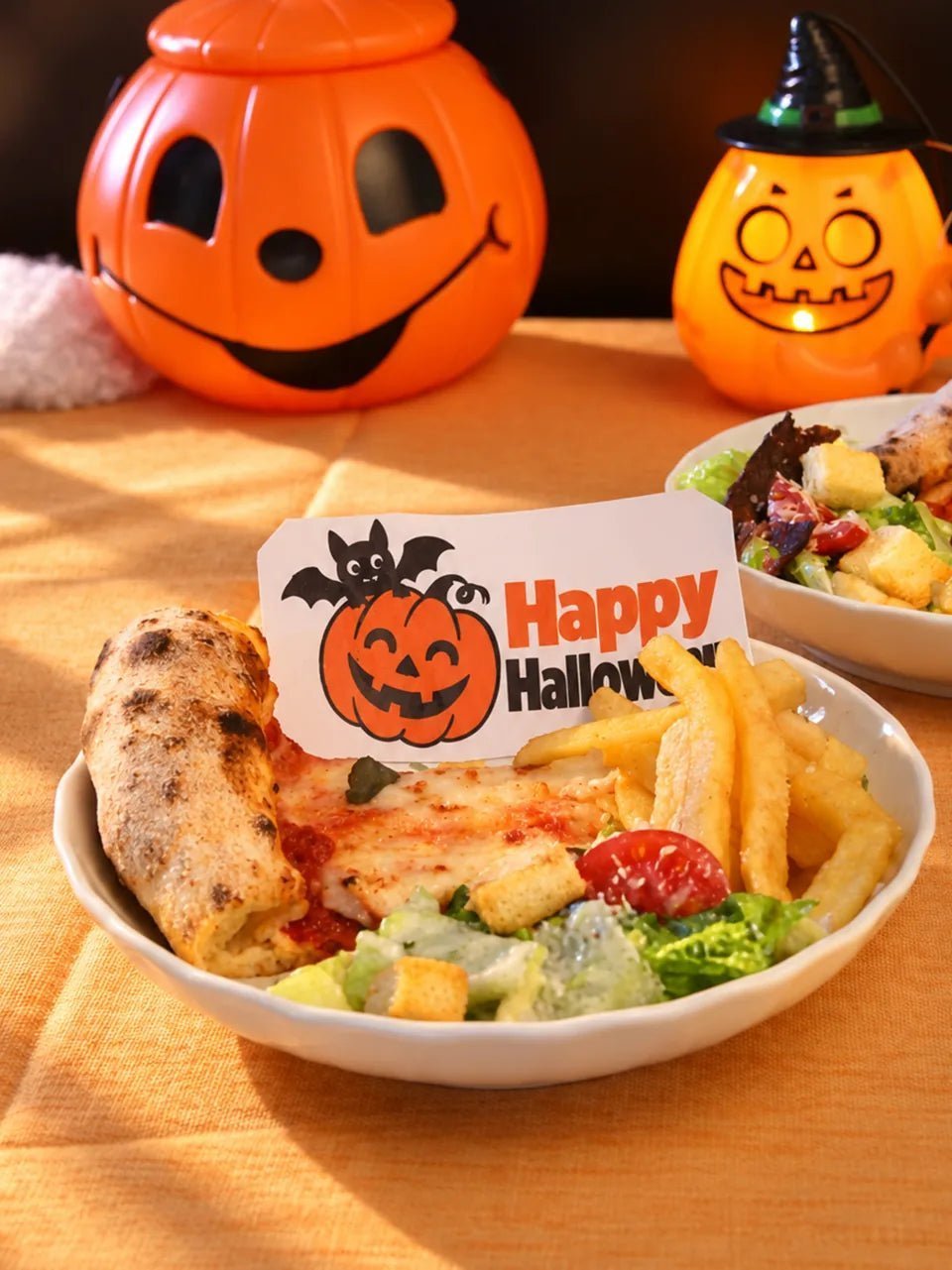
Icing Sheets
Print the message on an icing sheet and cut around it to make a topper.
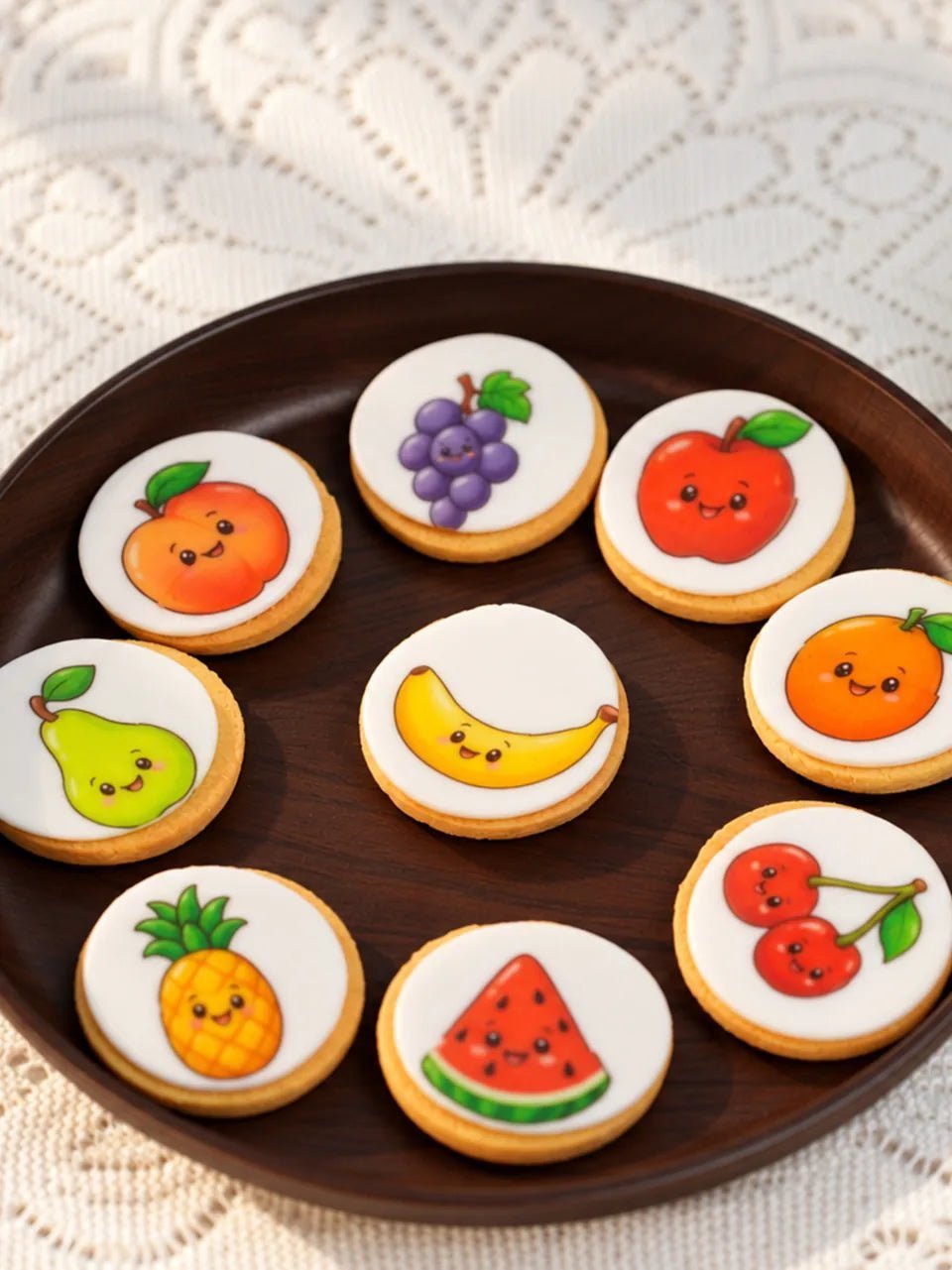
Iced Cookies
Print directly on smooth, fully dried royal icing before adding any raised piping.
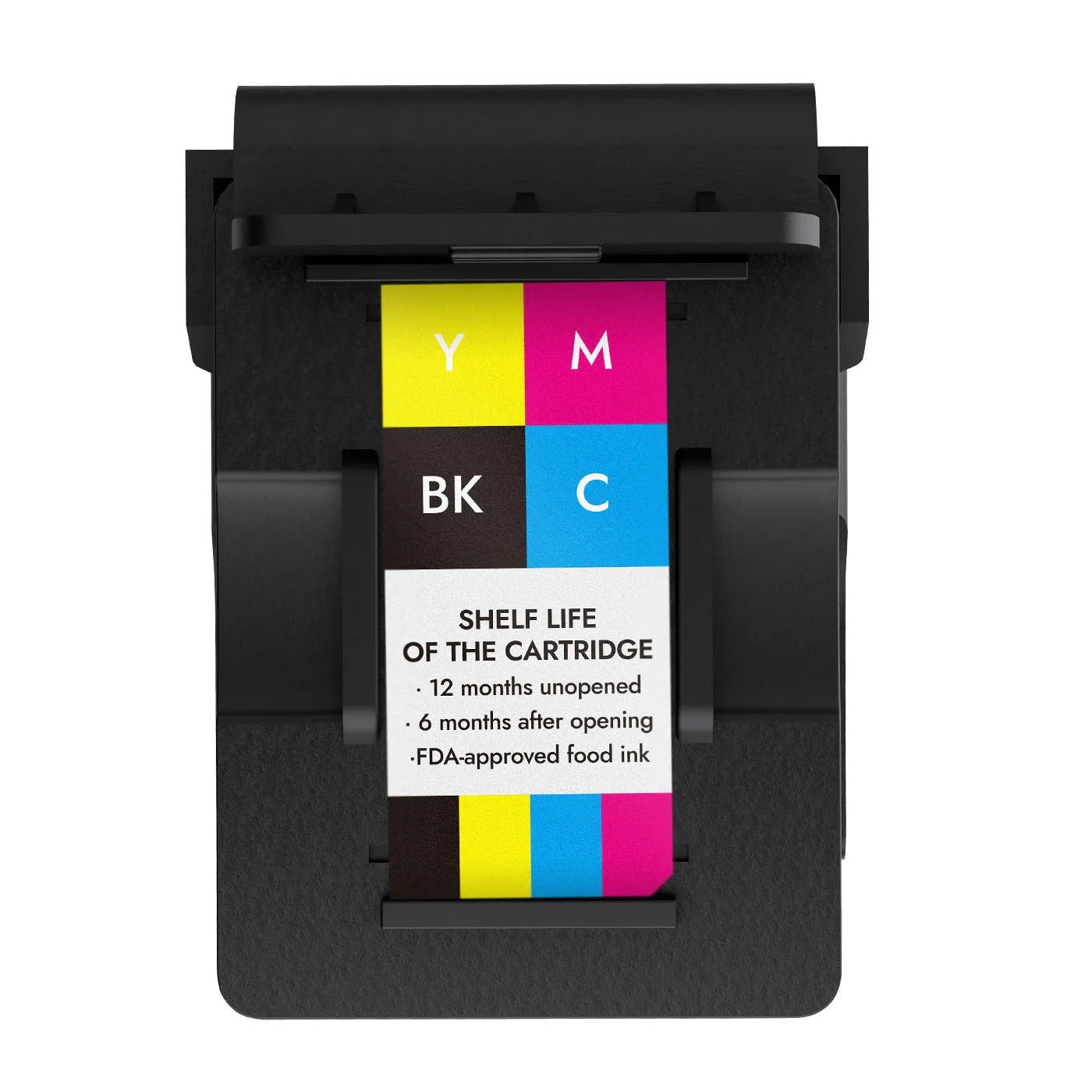
- Cyan
- Magenta
- Yellow
- Black
CMYK edible ink
Is the ink safe?
Made with food-grade ingredients and tested by multiple laboratories, our CMYK edible inks are designed for printing directly onto food—so you can create with confidence.
-
Kosher certified

- Our edible inks are certified Kosher by the Orthodox Union (OU).
- FDA compliant
- Independently assessed
- An independent safety assessment supports Generally Recognized as Safe (GRAS) status for their intended use in food printing.
Ingredients & their roles
Explore the ingredients in our edible inks and the role each one plays.
| Ingredient | Amount (w/w) | Role in the ink |
|---|---|---|
| Water | 67% | The liquid base that carries the other ingredients. |
| Glycerol (glycerin) | 10% | Helps retain moisture and adjust the ink’s consistency. |
| Propylene glycol | 20% | Helps dissolve ingredients and retain moisture. |
| Polysorbate 20 | 1.2% | Helps ingredients mix and supports wetting and spreading. |
| Potassium sorbate | 0.1% | A preservative that helps limit microbial growth. |
| Citric acid | 0.5% | Adjusts the acidity of the ink. |
| Colorants | Approx. 1.2% | Provide the color used to create printed designs. |
How do I care for EdiBot after printing?
After each print, turn off EdiBot, then place it back on its base. Avoid leaving the printhead exposed to air for extended periods. This helps prevent ink from drying and clogging the printhead, which can affect your next print.
Frequently Asked Questions.
What foods can I print on? Do I need edible paper?
You can print directly on smooth royal icing, macaron shells and latte foam. For iced cookies, let the icing dry completely and print before adding raised piping. To decorate a frosted cake with a photo or message, print it on an icing sheet, cut it out and place it on the cake. For small chocolates, white chocolate gives better contrast than dark chocolate. Try a sample at the size you plan to serve. Watch the cookie and cake demos.
What should I do if my print is blank or the colors look wrong?
Turn on EdiBot, place it on plain white paper and hold the print button until it beeps. You should see four continuous lines, one each in cyan, magenta, yellow and black. If a line is faint or missing, gently wipe the printhead with a soft cloth lightly dampened with warm water, then test again. If all four lines look good, reconnect in HomeSpark and retry your design. If the problem continues or you see ink leaking, email your order number, a photo of the test and a short video to support@ikoffy.com.
Which app do I need, and where can I download it?
Use KitchQ HomeSpark, the free EdiBot app for iPhone and Android. Download it from the App Store or Google Play. Once installed, open HomeSpark, sign in and connect to EdiBot via Bluetooth. Download HomeSpark · Watch the tutorials.
How large can I print, and how do I center a design on a cookie?
A single pass prints a band up to 23.3 mm (0.92 in) wide. HomeSpark supports up to five rows for a total print area of about 12 × 15 cm (4.7 × 5.9 in), enough for a 3 × 3 in logo. For a 5 × 5 cm logo, select three rows in the app. Preview the size, then line up the ruler with the center of your cookie. Hold the ruler still and slide EdiBot straight along it. Finish each pass before lifting the printer to line up the next row. For three to five rows, use the large-format positioning ruler.
Does EdiBot come with ink? How many prints can I get from one Ink Pod?
The Starter Set includes one full-color CMYK Ink Pod. The Creator Plus Set includes two.
One pod may print about 3,000 large designs. With small names or logos, it can produce more than 5,000 prints. These estimates depend on design size and ink coverage.
Can I print my own photos, logos or Canva designs?
Yes. Save your photo or logo to your phone. If you designed it in Canva, export the finished design as an image first. Open Blank Canvas in HomeSpark, add your image, adjust its size and preview it. Then send it to EdiBot via Bluetooth. Watch the Blank Canvas demo.
Where can I find the ingredients in EdiBot edible ink?
Open “Ingredients & their roles” on this product page to see what goes into EdiBot’s full-color edible ink and what each ingredient does.
Can I request a kosher certificate for my EdiBot Ink Pod?
Email support@ikoffy.com with the name of the Ink Pod you use or plan to buy. Our team can check which kosher documentation applies to that cartridge.
Can I print the same design at an event without Wi-Fi?
Yes. Sign in to HomeSpark online and save your designs before the event. At your stand, you can send a saved design to EdiBot via Bluetooth without a Wi-Fi router. Once the design is on the printer, press the print button to use it again on the next cookie or drink. Allow time to line up each item, especially for multi-row designs.
How long does the EdiBot battery last on a full charge?
2–3 hours on a full charge. Actual battery life depends on the size of your prints and how often you use the printer.
Is EdiBot edible ink suitable for dog treats?
Our ingredient and safety documentation covers food for people. We have not verified the ink for use in dog treats. If you make pet treats for sale, review the ingredients with a qualified pet-food formulation specialist before using it.
Technical Specification
EdiBot Portable Food Printer
Ink Certification
- Kosher-Certified; FDA Compliance Documentation
Product specs
- Model: IP01
- Dimensions: 3.9 × 2.7 × 2.8 in (98.92 × 67.47 × 70.5 mm)
- Weight: 5.8 oz (165 g)
- Connectivity: Bluetooth LE 5
- Battery capacity: 550 mAh
- Charging: USB-C, DC 5 V / 0.5 A
- Working time: 2–3 hours per full charge
Software
- App: KitchQ HomeSpark
- Platforms: iOS and Android
- Design tools: Photo uploads, templates and AI image creation
Print specs
- Printing technology: Full-color edible ink printing
- Resolution: Up to 1200 DPI
- Single-pass width: Up to 0.92 in (23.3 mm)
- Multi-row printing: Up to 5 rows
- Image area: Approx. 4.7 × 5.9 in (12 × 15 cm)
Ink & materials
- Ink type: Food-grade CMYK edible ink
- Estimated yield per Ink Pod: about 3,000 large designs. Small names or logos can exceed 5,000, depending on design size and ink coverage.
- Shelf life: Up to 12 months unopened
- Surfaces: Smooth, fully dried royal icing, macaron shells and suitable edible paper
- For cakes: Print on edible paper, then cut and apply